Look first. Then clean.
A caretaker for your drives. Eject without the error, see what takes the space, and clean only what you have looked at.
Version 4.22 (37)Release notes
1.42 TB of 2 TB
Watch it work
The app's own screens, replayed step by step with sample drives. Point at a step to jump to it.
See what fills the drive, clean after review
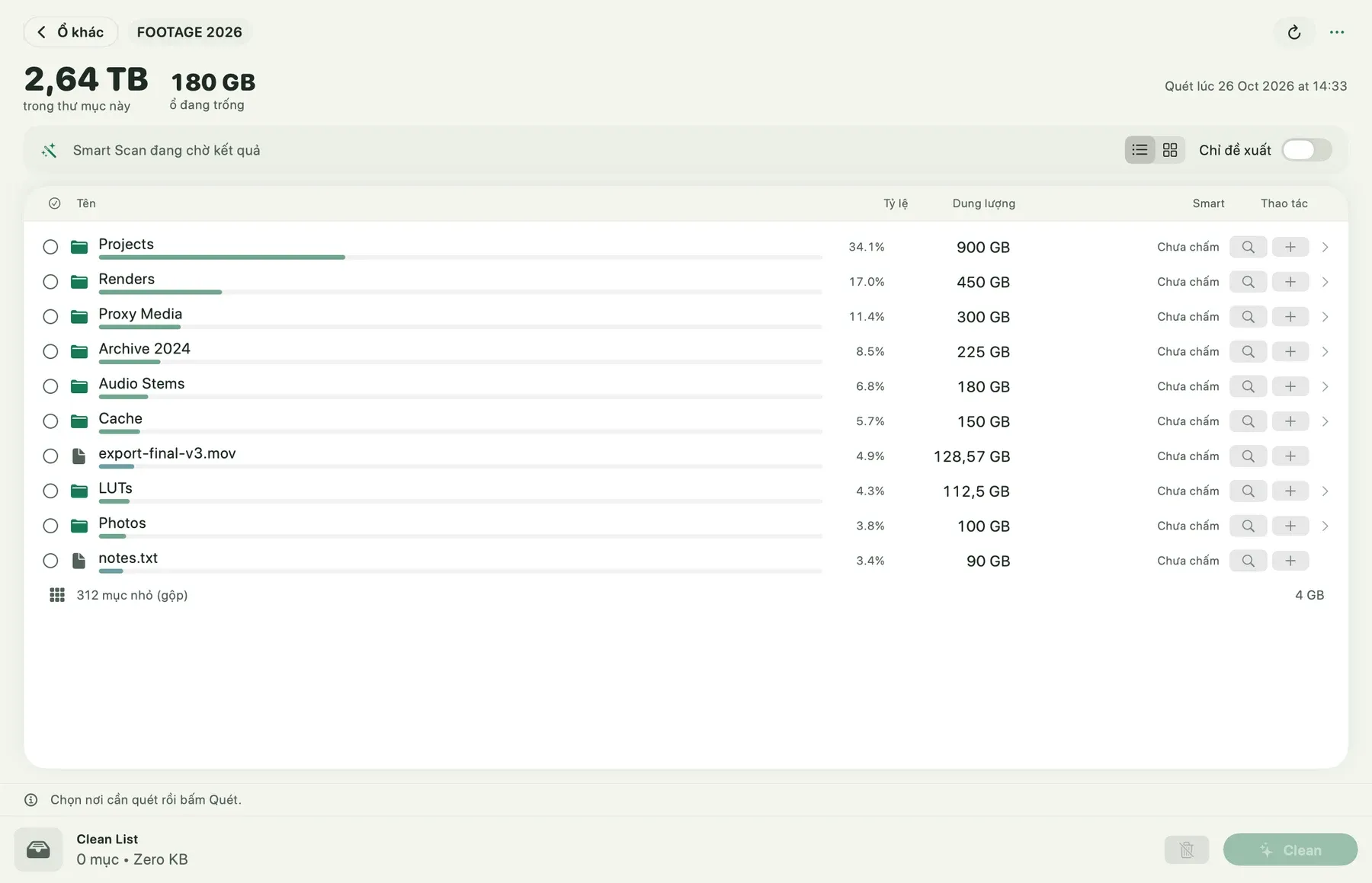
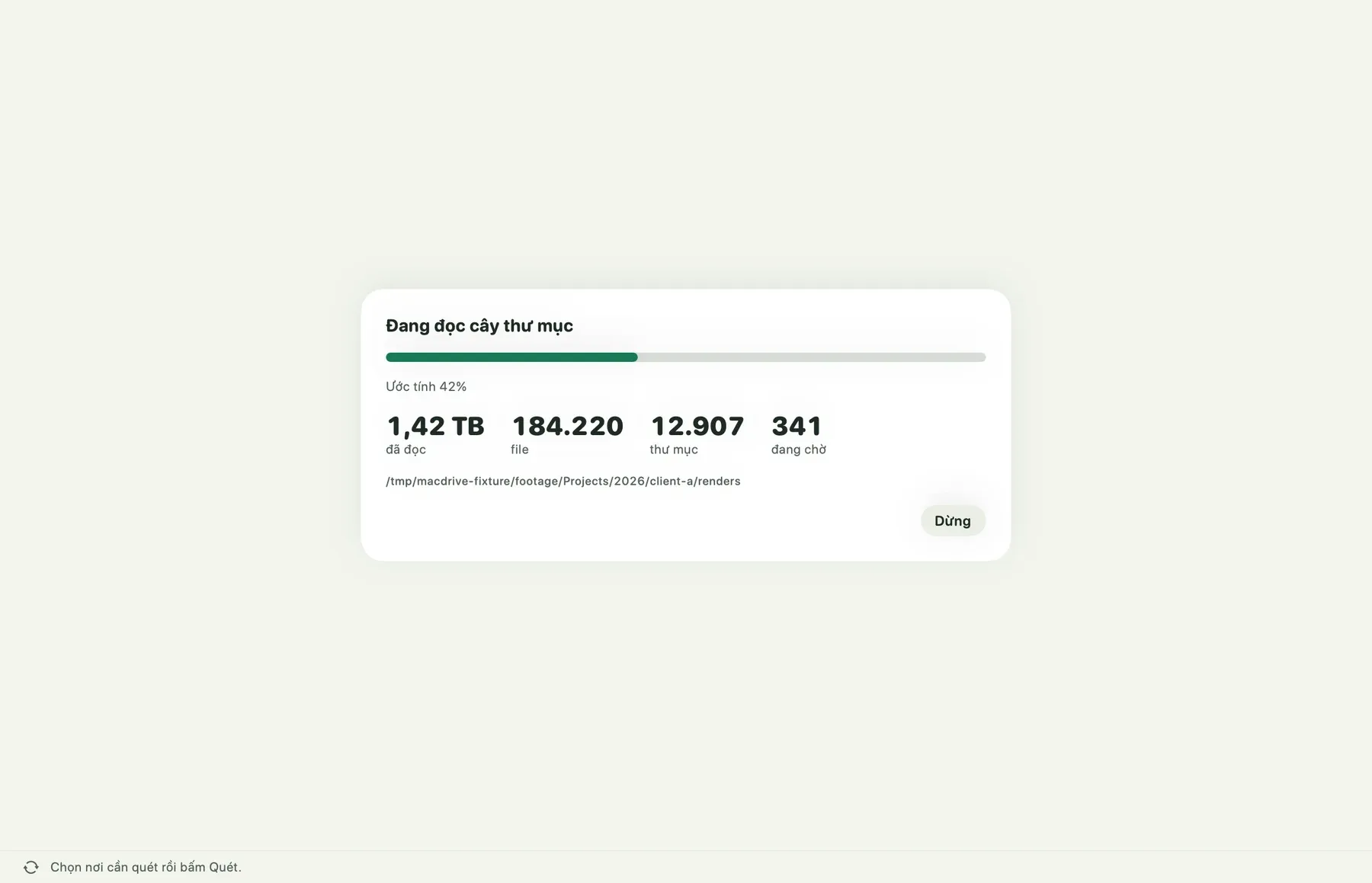
Pick a drive and press Scan. MACdrive reads the folder tree and shows the running totals; then the folders line up by size.
Switch to the space map: every folder is a box, drawn as large as the space it takes.
Back in the list, press + on a row or drag it into the Clean List. The list always shows the exact count and size. Nothing has moved yet.
Clean opens a review first: the items you chose, their total, and where they will go. You can still cancel.
Confirm, and the three items move to the Trash; the folder is that much lighter. You can put them back until you empty the Trash, and the drive gains the space when you do.
Eject safely
Eject Drives lists every external drive. One is busy: open its line and MACdrive names the app that still has files open on it.
A drive that nothing is using ejects with one click. Its box leaves the shelf and a receipt says it is safe to unplug.
For the busy drive, Quit Safely asks only that app to quit, the normal way. Once it has let go, the drive is ready to eject.
The rest go from the menu bar: Eject All (safe), a second click to be sure, and the panel reports which drives were safely ejected. Nothing is forced.
Eight tools, each in its box
Every day
Safe eject
Names the apps that keep a drive busy, and asks before it stops only those.
What fills the disk
A fast scan with a map of folders by size. Add rows to a list, see the exact total, then decide.
Clean the Mac
Caches, logs, installers and Downloads left untouched for 90 days, grouped by how safe they are to remove.
Duplicates
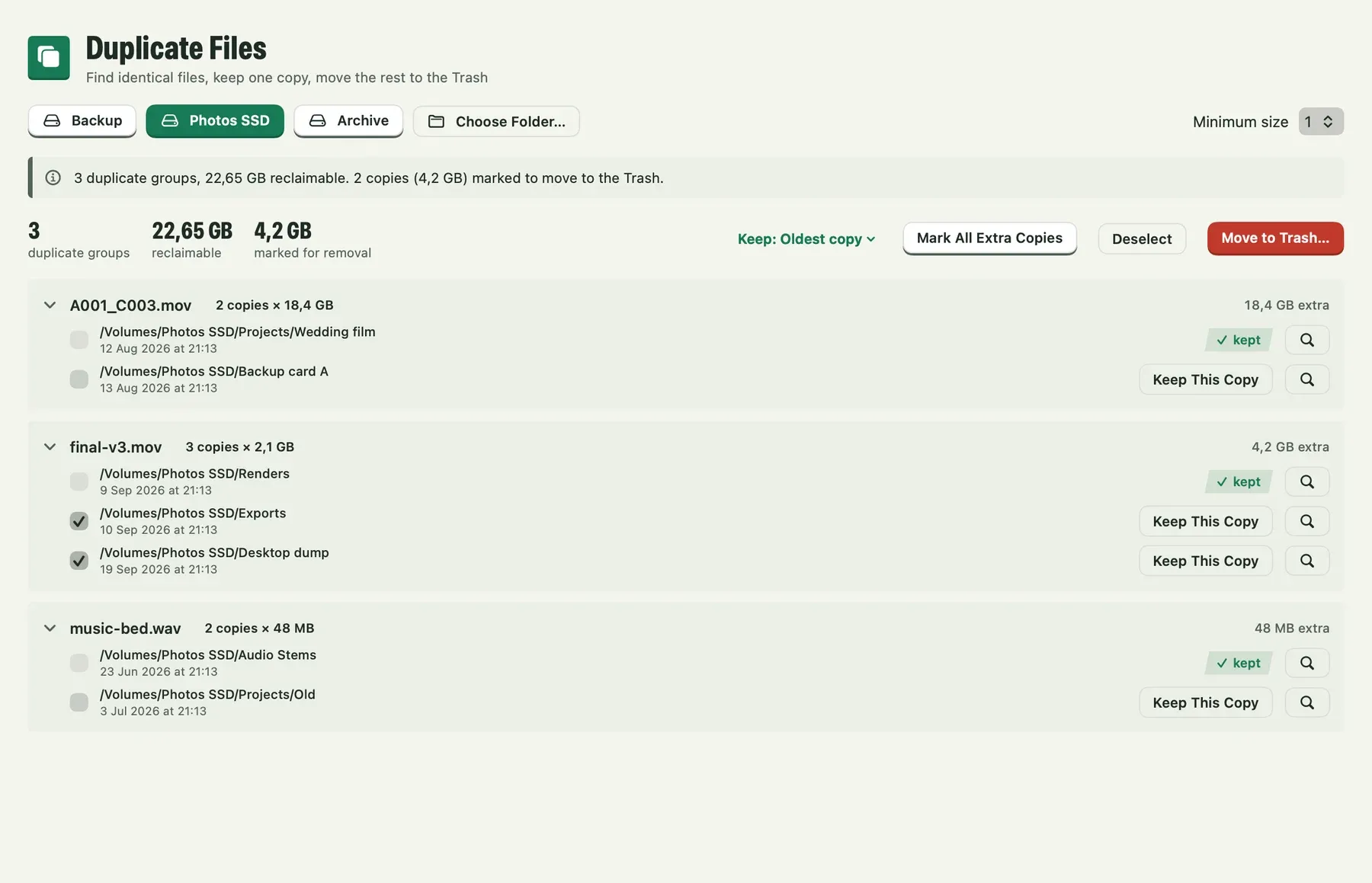
Finds identical files by content. You pick the rule for which copy stays; the kept copy can never be marked.
On the workbench
Speed test
Quick, sustained, random and parallel video reads, with charts you can export.
Drive health readings
The indicators the drive itself reports, with history, where the enclosure lets them through.
Copy and verify
A one-way copy checked with SHA-256, resumable, that never changes the source.
Catalog
Search what is on a drive while it sits unplugged in a drawer.
A list you approve, line by line
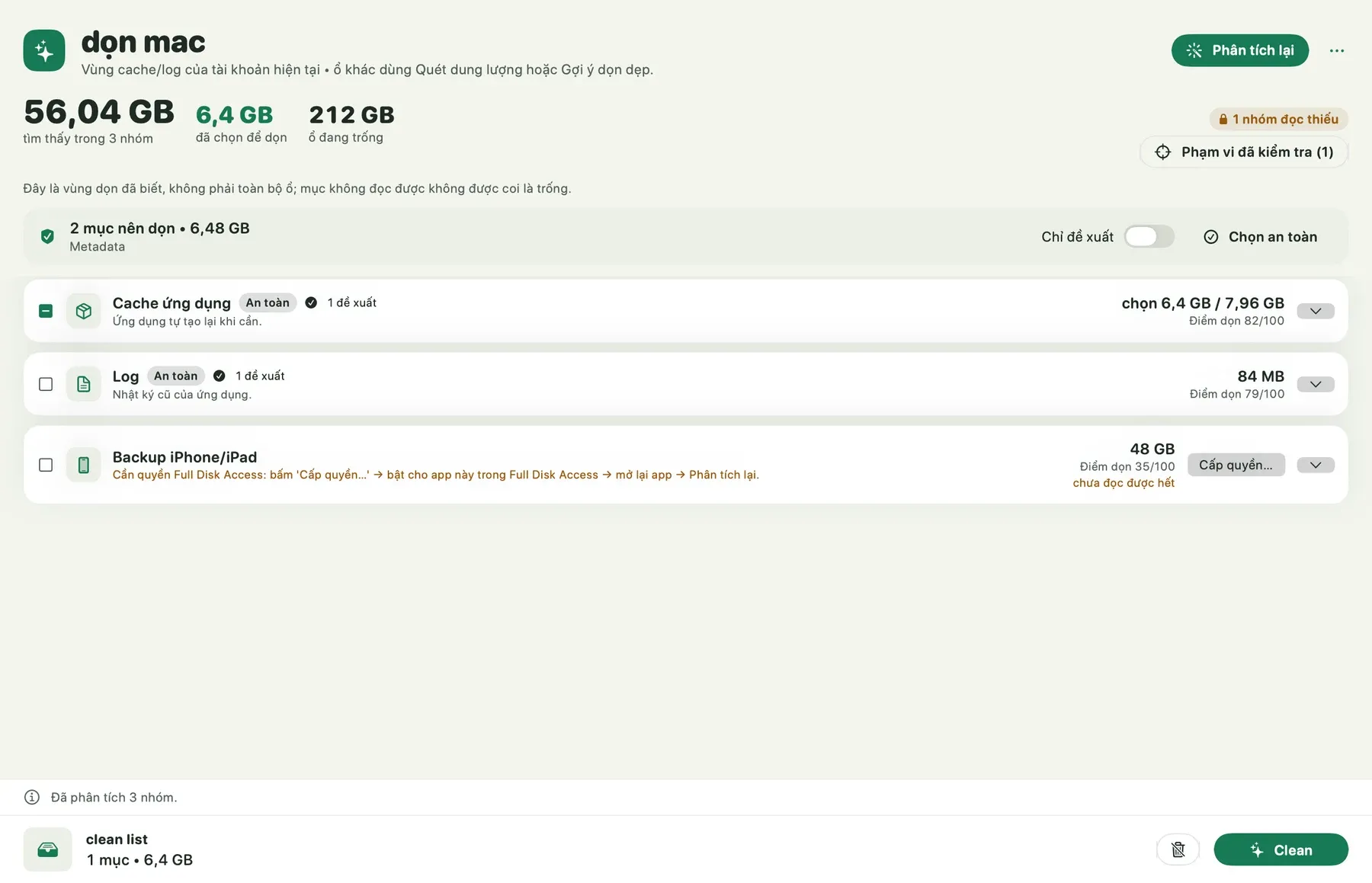
MACdrive scores how much space an item frees and how risky it is to remove, separately. It suggests; you tick. The total is exact before anything moves.
- low risk6.4 GB
- low risk3.1 GB
- low risk80 MB
- look first12.7 GB
- your call48.0 GB
2 on the list9.5 GB
A demo with sample items. It touches nothing on your Mac.
The app today
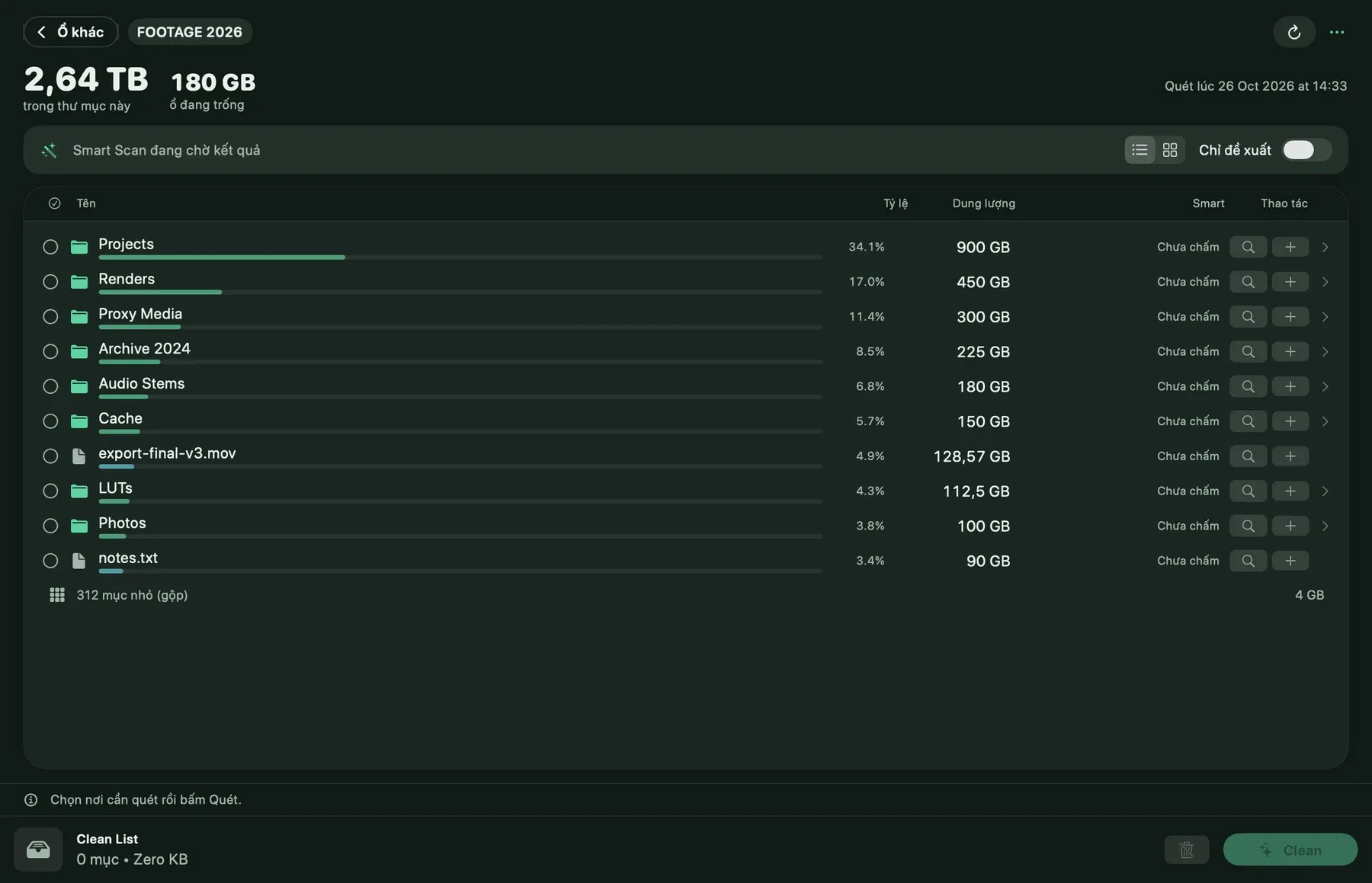
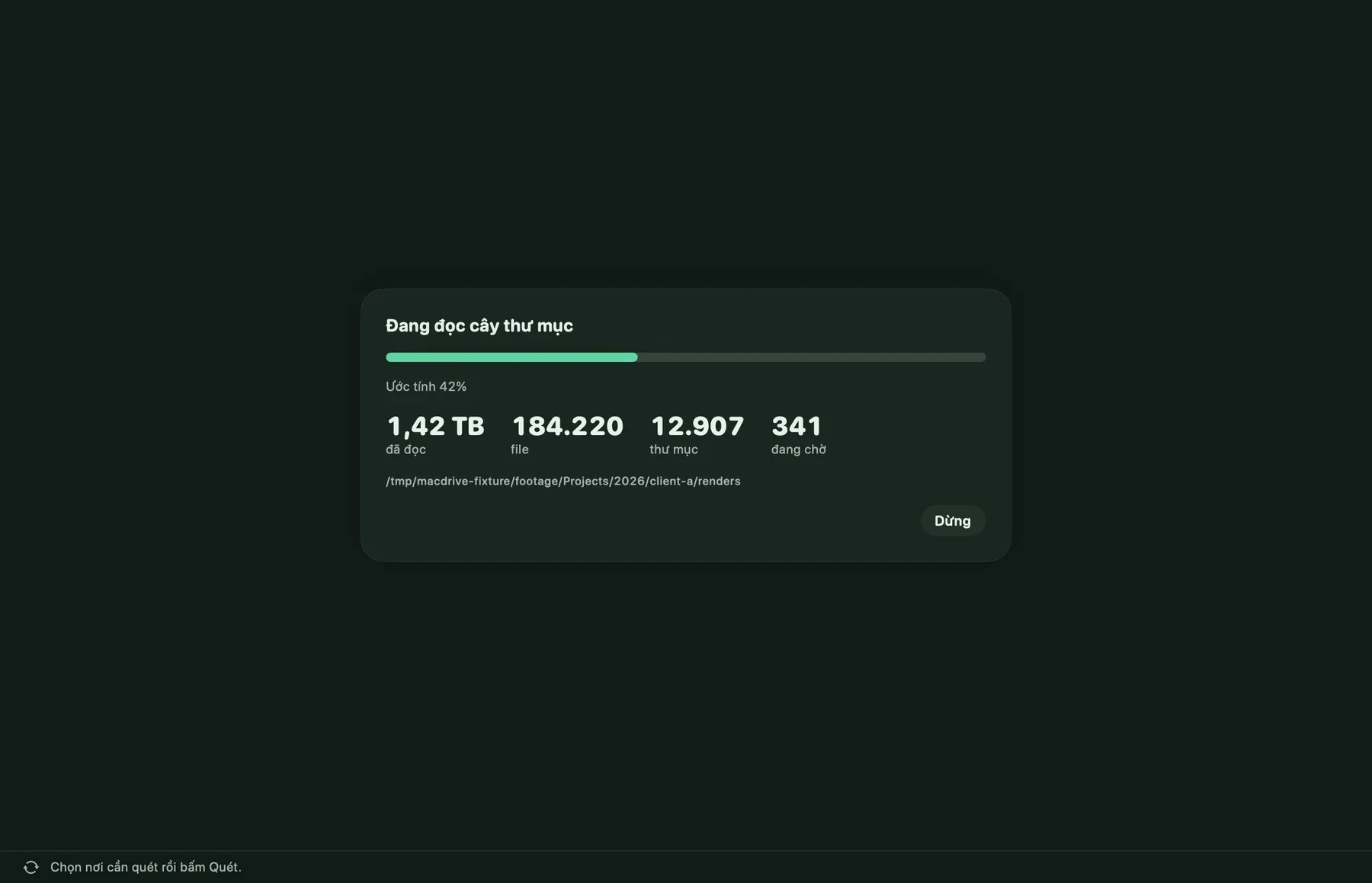
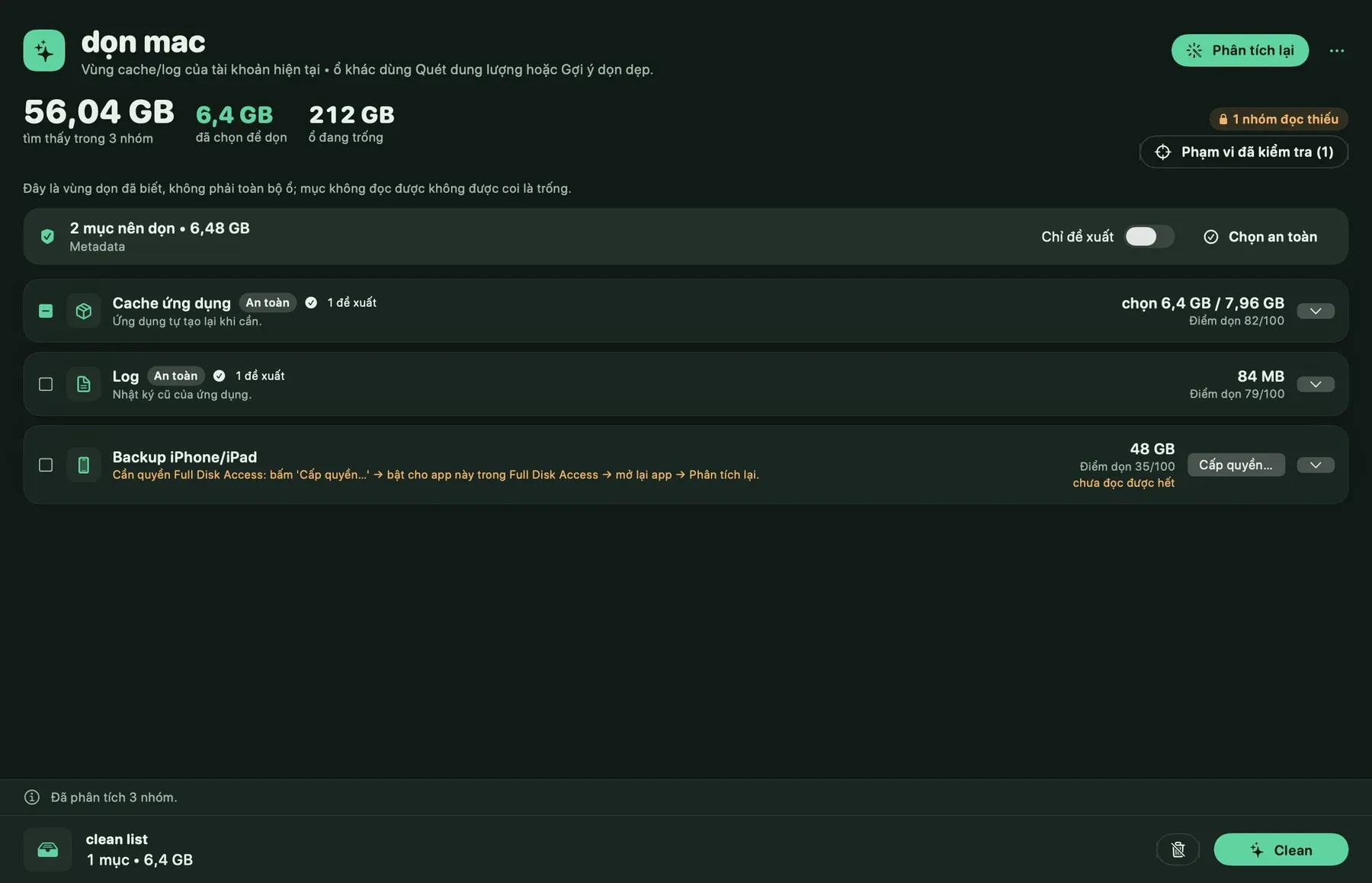
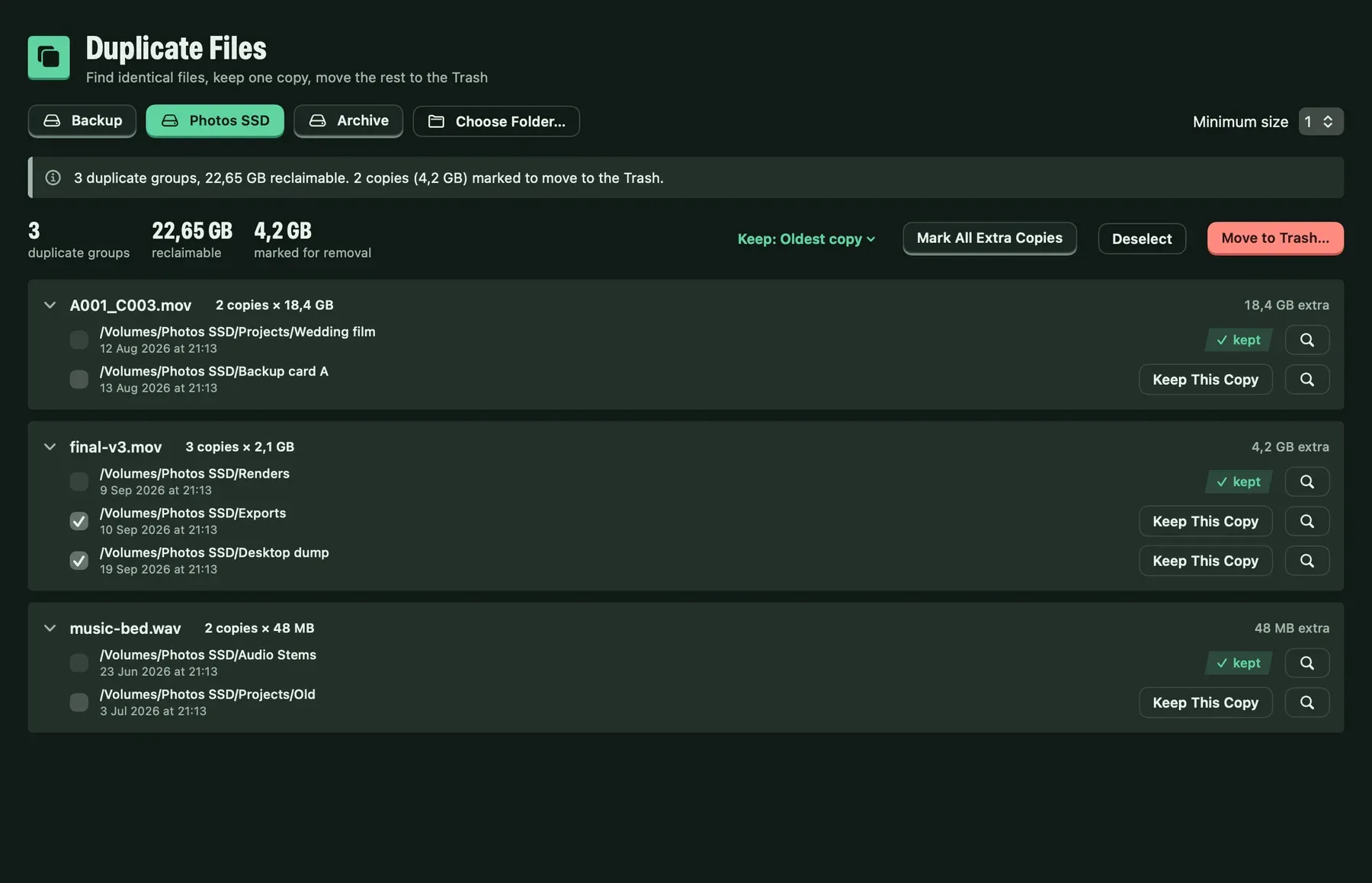
Renders made today from the app's own test screens, with sample data and the new moss green. The interface is in Vietnamese in this build.
Good to know
- Health shows what the drive reports, with its source and time. There is no health percentage and no prediction of how long a drive will last.
- Whether those readings are available depends on the drive and its enclosure.
- Nothing is cleaned automatically. Items you choose go to the Trash, and each path is checked again just before it moves.
- It does not repair, partition or recover drives, and it is not a backup.
- Speed results are measurements on your Mac, with your cable and port.
- The interface is in Vietnamese today. The Intel build has not been tested on an Intel Mac yet.
Privacy
File names, paths, contents, drive serial numbers and health data never leave your Mac. Activation sends a device key and a hashed machine ID, nothing about your files.
For your AI assistant
38 MCP tools, built into the app. Anything destructive is prepared, shown for review and only then committed with your say-so. There is no tool that deletes arbitrary files or runs shell commands.
$6, once.
Pay once and keep the app. Every purchase includes one year of updates. After that you keep the version you have, forever, and you can renew any time to get the newest.
- Day oneYou pay once
- 1 yearEvery update is included
- After thatStill yours, still runs. Renew for the newest.
Total
Prices in US dollars. Tax is added at checkout.