Lecture: Cell biology
example.com · 720p · MP4 · 142.6 MB
Downloading · 0%5%10%15%20%25%30%35%40%45%50%55%60%65%70%75%80%85%90%95%100%6.2 MB/sCompletedDrag file to Finder
Everything you want to keep.
Video, audio and files from a link. Then a library to sort them, a player to watch them and a studio to convert them, all on your Mac.
Version 1.0.0 (19)Release notes
A demo of the flow. This page fetches nothing and downloads nothing.
Two flows from the app, replayed step by step with sample media. Point at a step to jump to it.
From a link to your Library
Click the link field and press ⌘V. The link to the media you want to keep goes in; you can also drag it onto the window.
Choose what to keep: video, audio only, or the original file. Then pick a quality, here 720p.
Press Check link. MACget reads the page and shows the title, the length and the qualities on offer, with your choice marked.
Press Download. The job appears in the list with its progress and speed, and ends as Completed. The file is on your Mac.
Open the Library. The new file is already there, sorted as a video, ready to play, rate or add to a playlist.
Play, sort, convert
In the Library, click the file. It opens in the built-in player; nothing leaves the app.
Click the bar to jump ahead. Subtitles, speed from 0.25× to 4×, full screen and Picture in Picture are on the same bar, and the player remembers where you stopped.
Close the player and pick a playlist on the file's row. The file stays where it is on disk; the playlist only groups it.
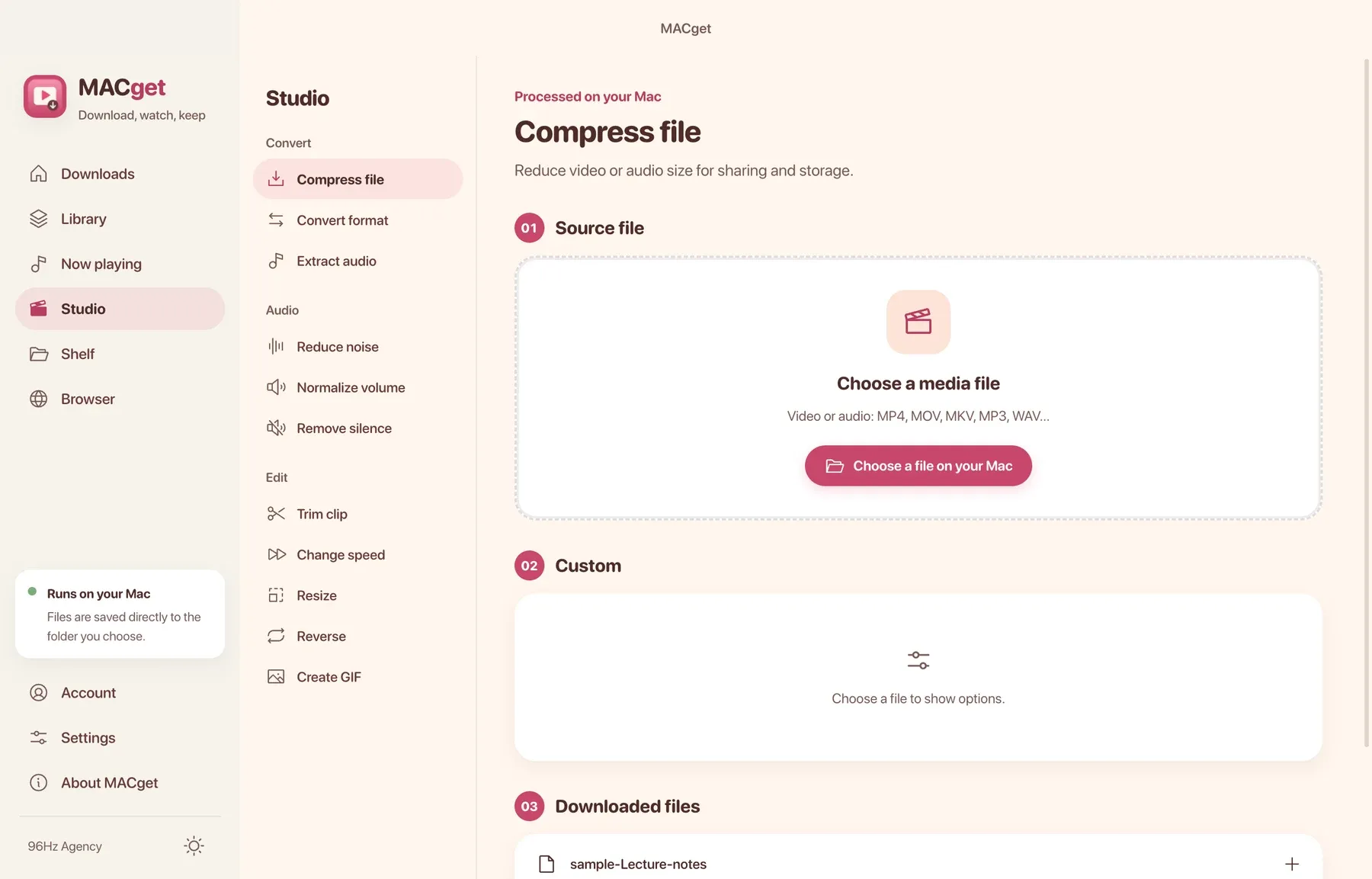
Open Studio, choose Extract audio, and add the file from your downloads. Its length, size and frame appear, with the output format below.
Press Start processing. The work runs on your Mac and a new MP3 lands in the list. The original video is kept.
Keep the video, just the audio, or the original file. Subtitles, thumbnail and details can come along.
One link per line, up to 100. Playlists open into their entries. Pause, resume, retry, or schedule it for tonight.
A built-in browser with real tabs and bookmarks. Pick video highlights the player on the page and opens the download sheet.
Music, video, images and documents. Playlists, stars, tags, smart playlists, and a scan that finds the same file twice.
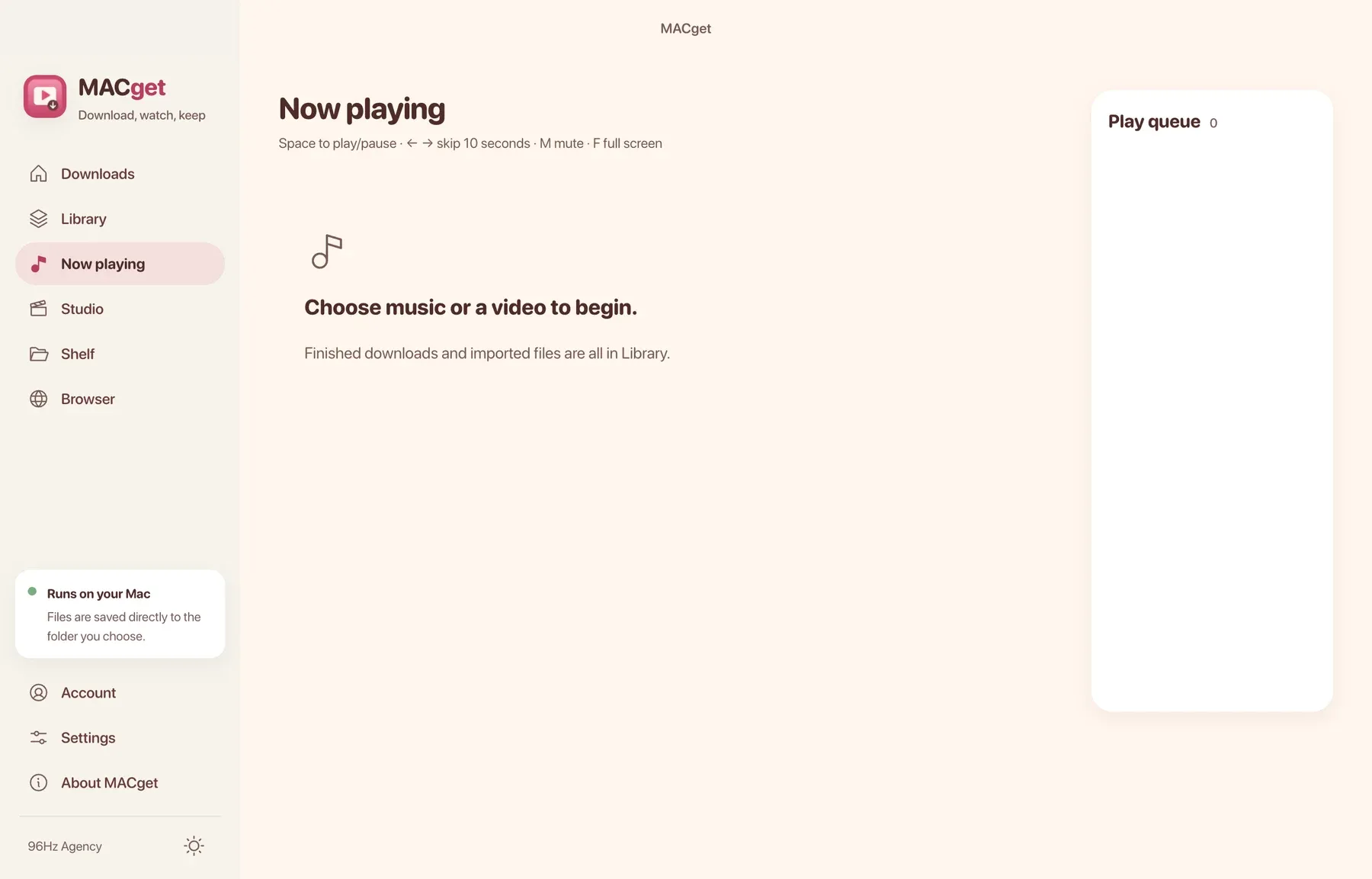
Plays what you saved, remembers where you stopped. Subtitles, full screen, Picture in Picture and a mini player bar.
Compress to 10, 25 or 50 MB. Convert, trim, extract audio, remove silence, clean noise, even out loudness, make a GIF. The original is kept.
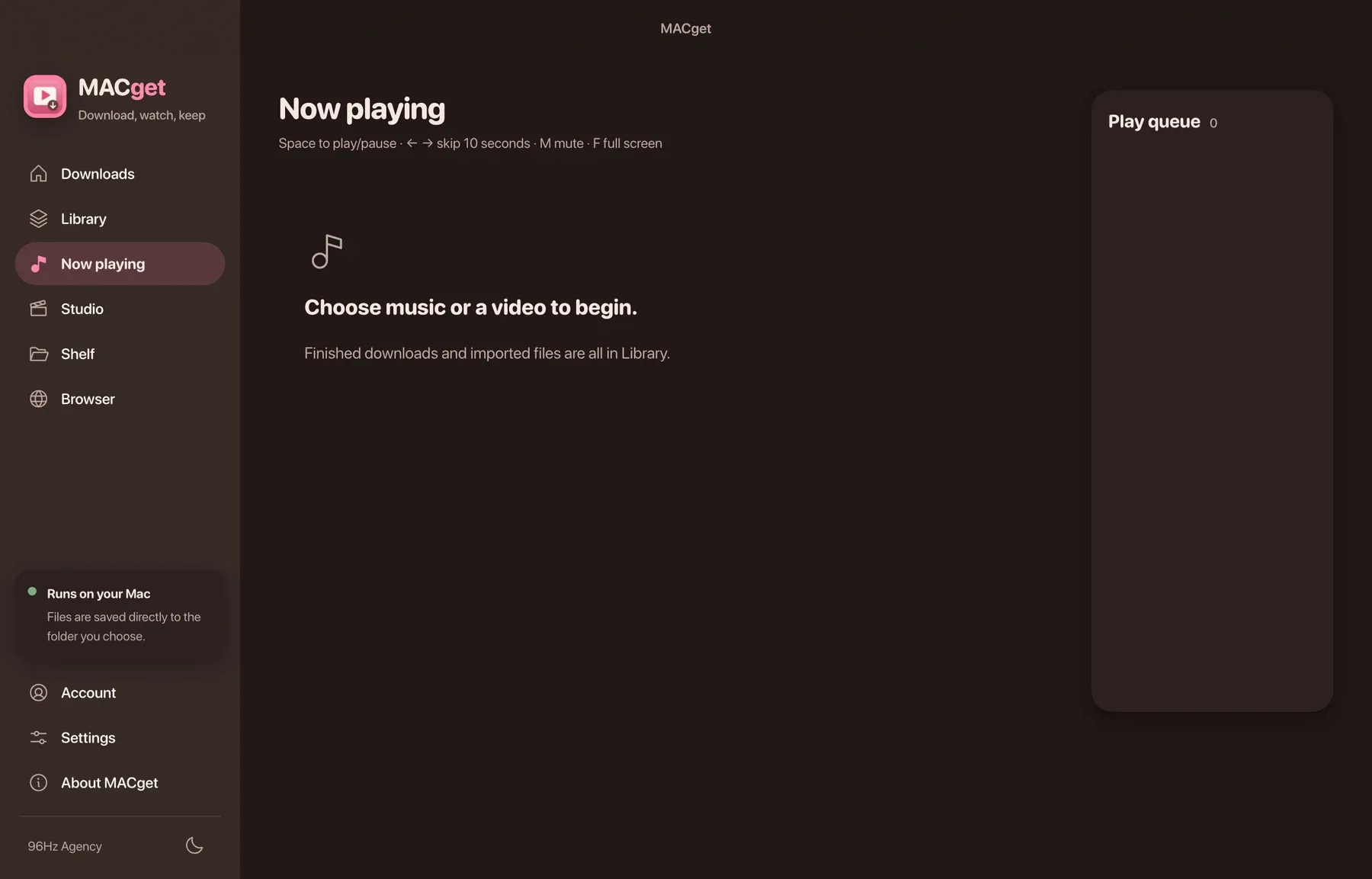
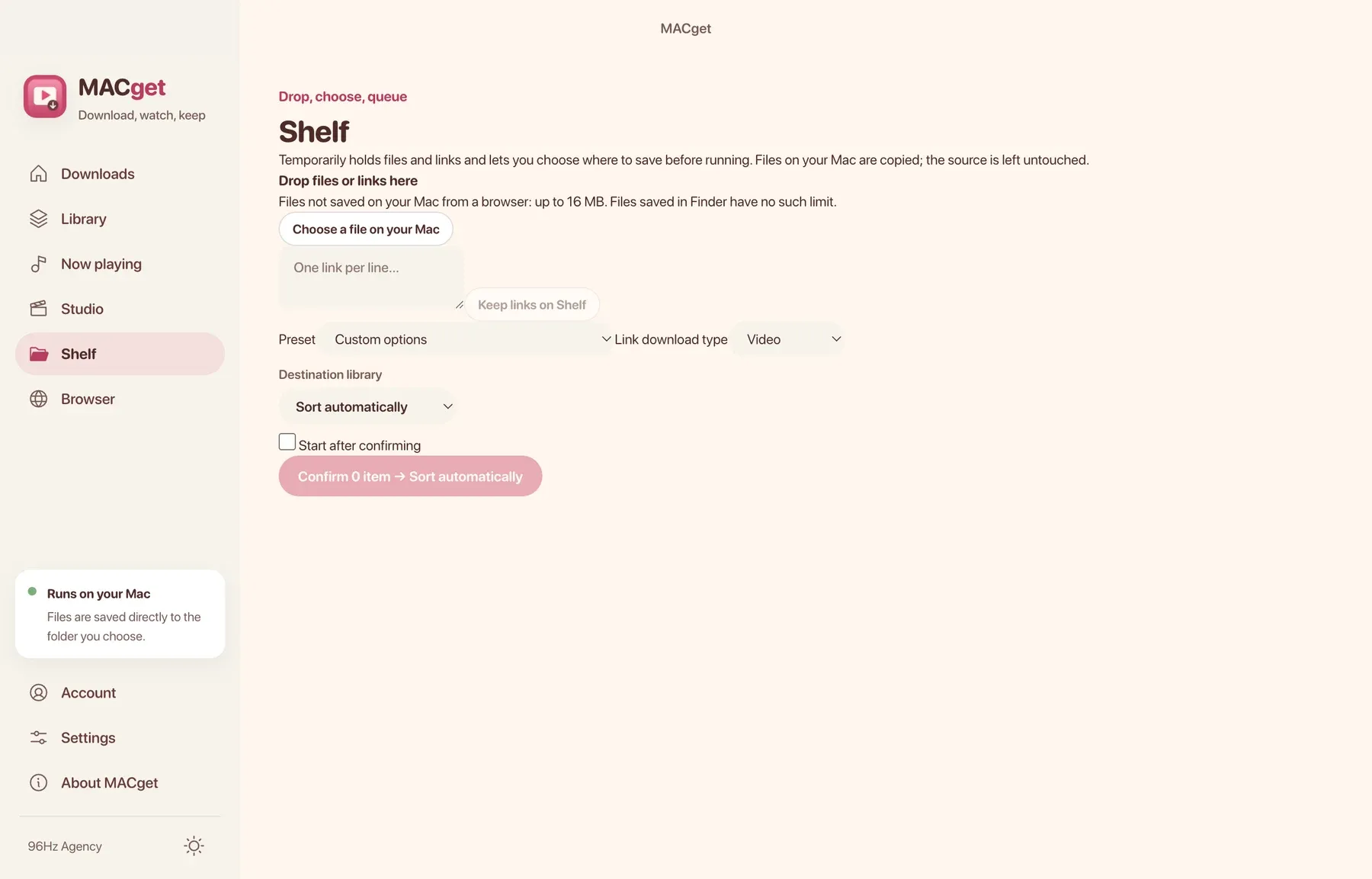
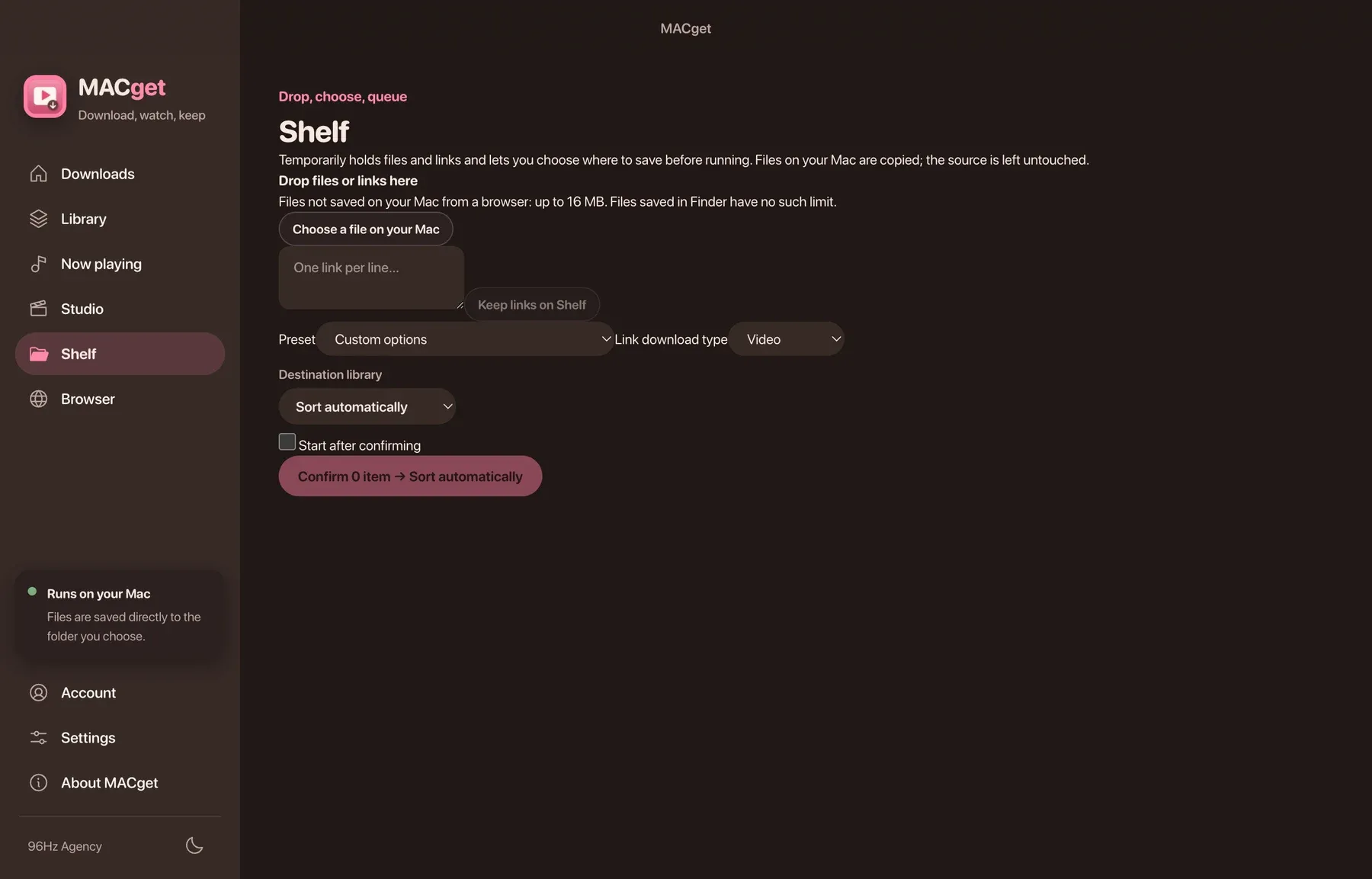
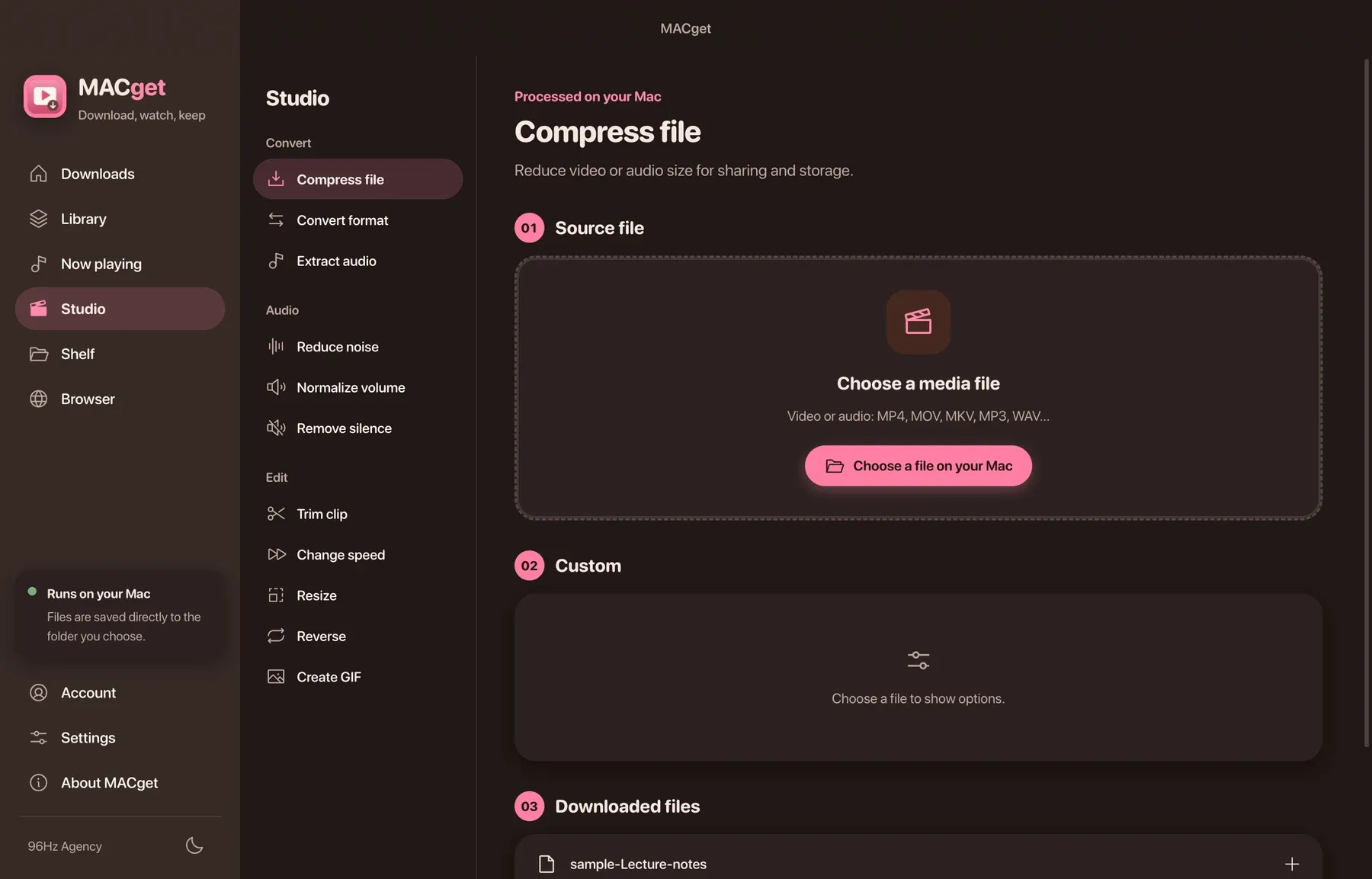
Renders from the development build with sample media. The cinema look on this page, with tickets and a marquee, is the direction; the app has the raspberry and the dark mode already.
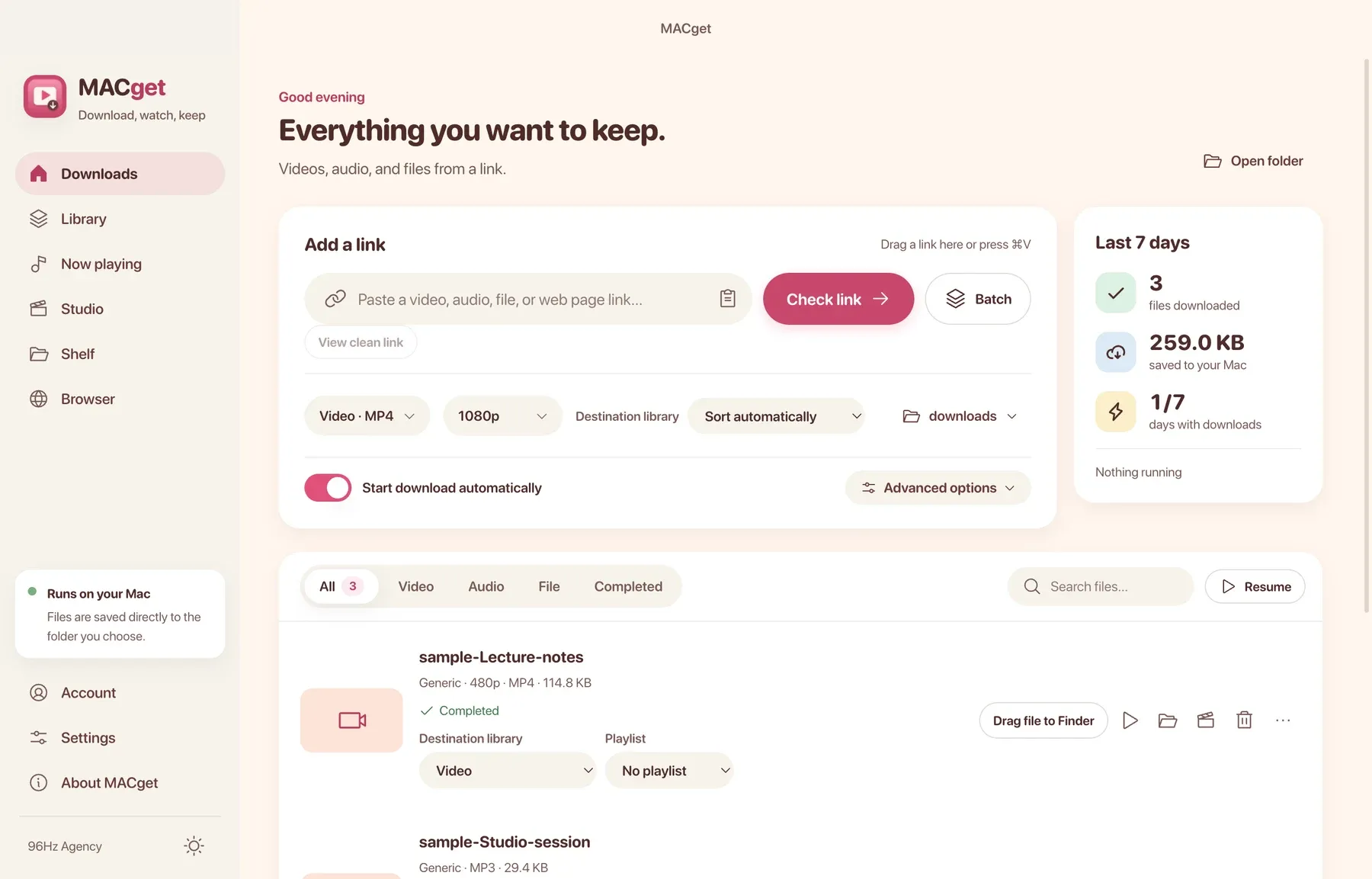
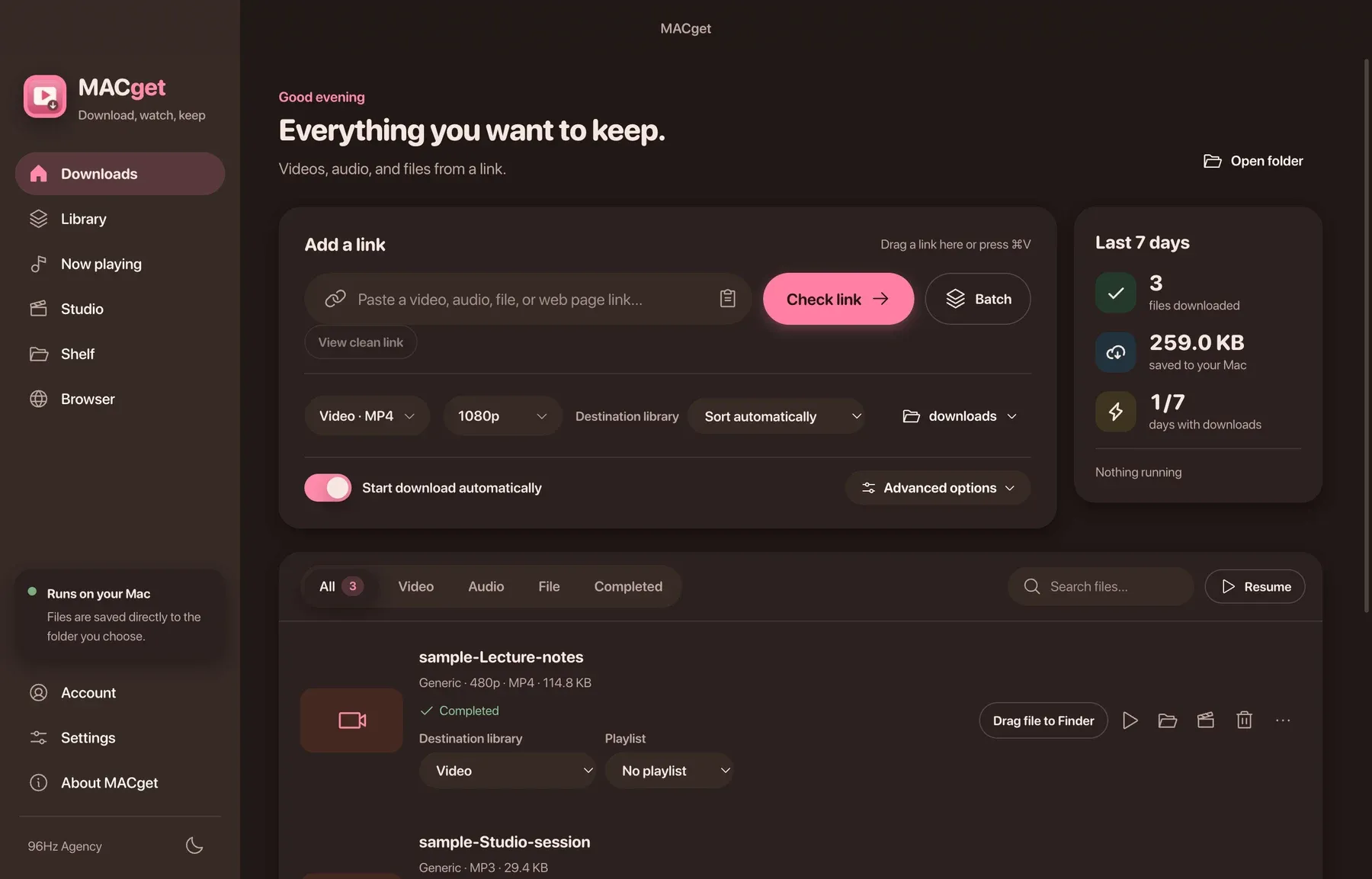
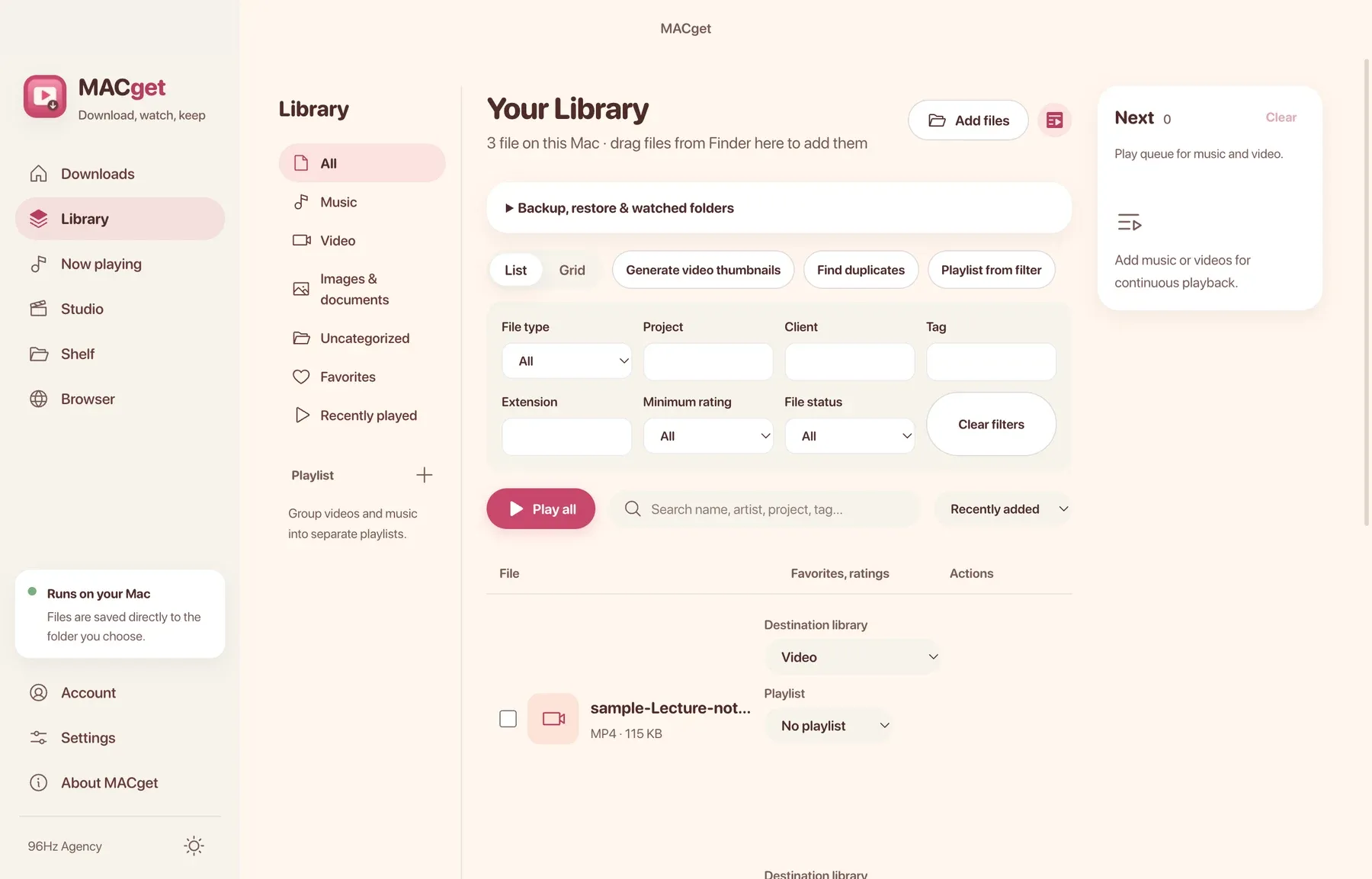
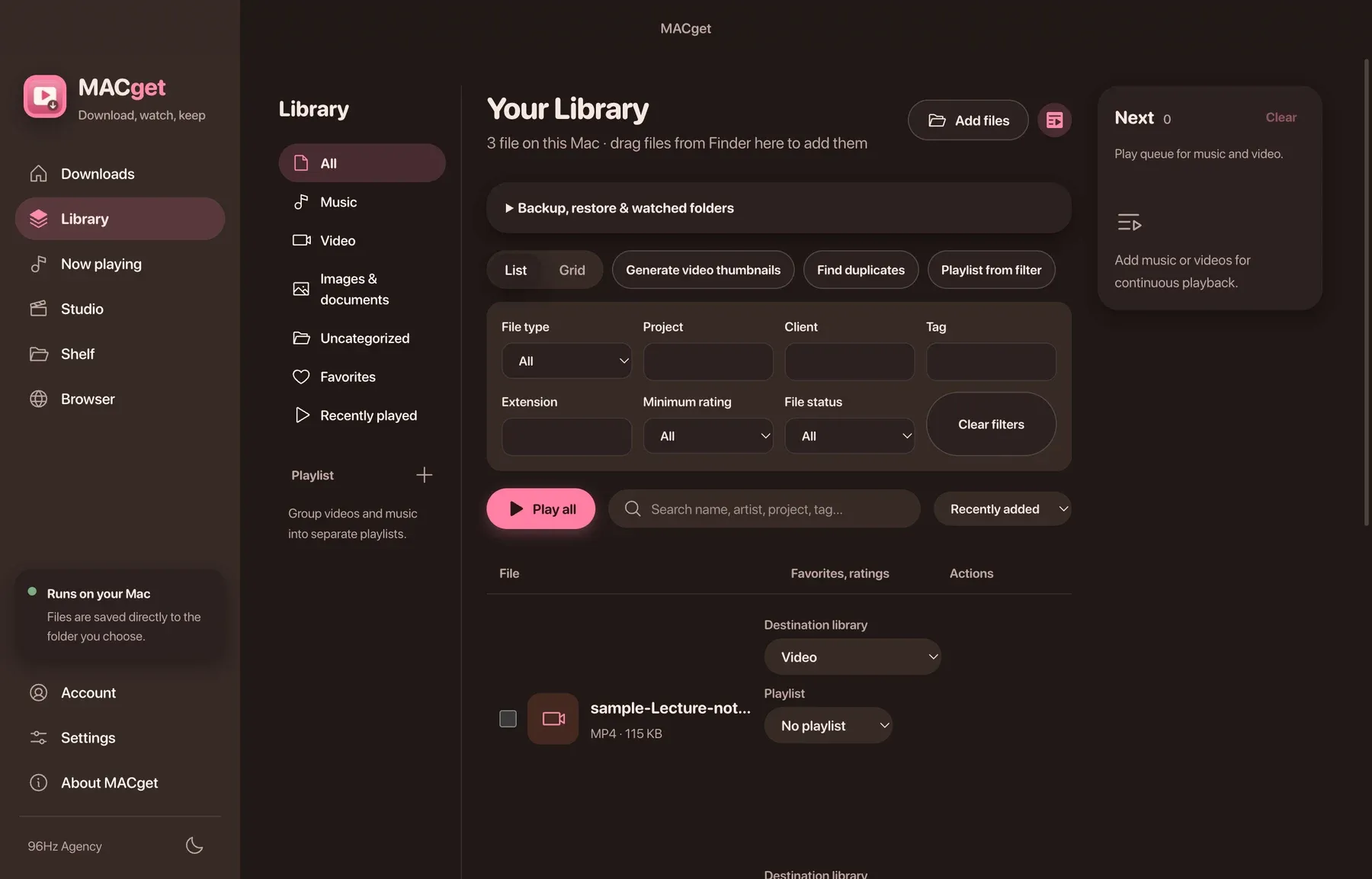
Downloading and converting happen on your Mac with tools bundled in the app. Clipboard watching and cookies from your other browsers are off until you turn them on. Web pages are treated as data, never as instructions.
A local MCP server on a private socket. Its token changes at every launch, and there is no tool that runs shell commands.
Pay once and keep the app. Every purchase includes one year of updates. After that you keep the version you have, forever, and you can renew any time to get the newest.
Total
Prices in US dollars. Tax is added at checkout.